Part II · Instance setup
Users & roles
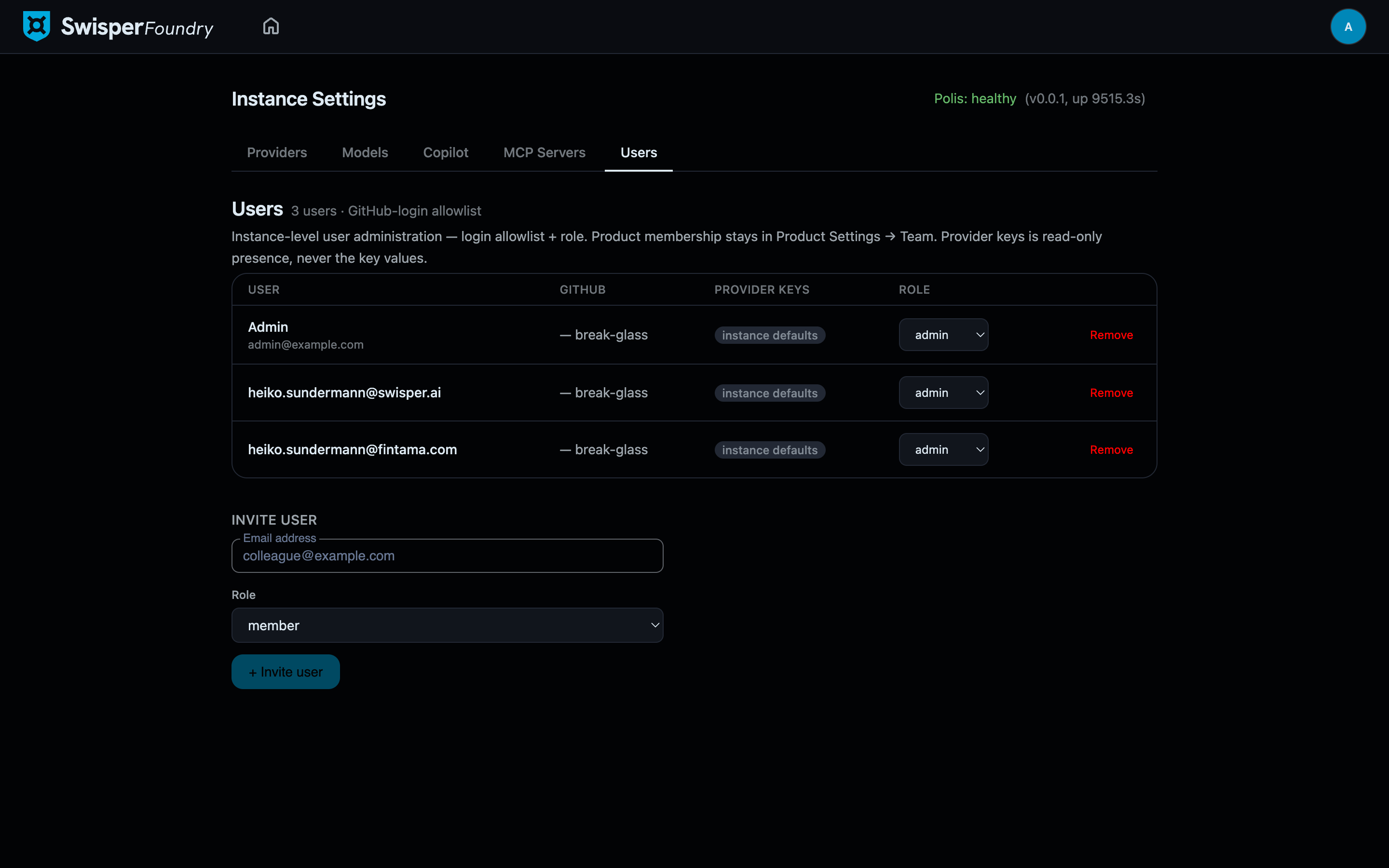
The Users tab controls who may enter this Foundry instance and with what role. It is an allowlist, not a directory sync: nobody gets in because their company email looks right — an admin put them on the list.
Two levels of membership
Foundry separates instance access from product access, and the two live in different places on purpose:
- Instance level (this tab) — may this person log in at all, and are they an admin (full instance settings) or a member?
- Product level — which products can they see and work on? That is granted per product, in Product Settings → Team, usually by the people running that product.
This mirrors how enterprises actually delegate: a platform admin controls the door; product teams control their own rooms.
Inviting a user
Invite by email + role. The invite pre-creates the account with the chosen role; authentication itself is GitHub login. When the invitee first signs in with GitHub and their verified primary GitHub email matches the invite, the pre-created account is adopted — role intact. An invite is therefore an allowlist entry with a role attached, not a password to distribute.
Duplicate invites are rejected (the existing account is never overwritten), so re-inviting someone can never accidentally reset their role.
Roles
| Role | Can do |
|---|---|
| admin | Everything a member can, plus Instance Settings: providers, models, Copilot, MCP servers, and this Users tab. |
| member | Log in and work in the products they have been added to. |
Users can also be deactivated — they stay in the list (their history remains attributable) but can no longer sign in.
The provider-keys column
Each row shows how many personal provider keys the user has configured in My Account. This is presence only — a count, never the values: key material is encrypted at rest and is not readable from any admin surface. The column exists so an admin can tell, before rollout or during debugging, whether a user is riding the instance keys or bringing their own billing.